
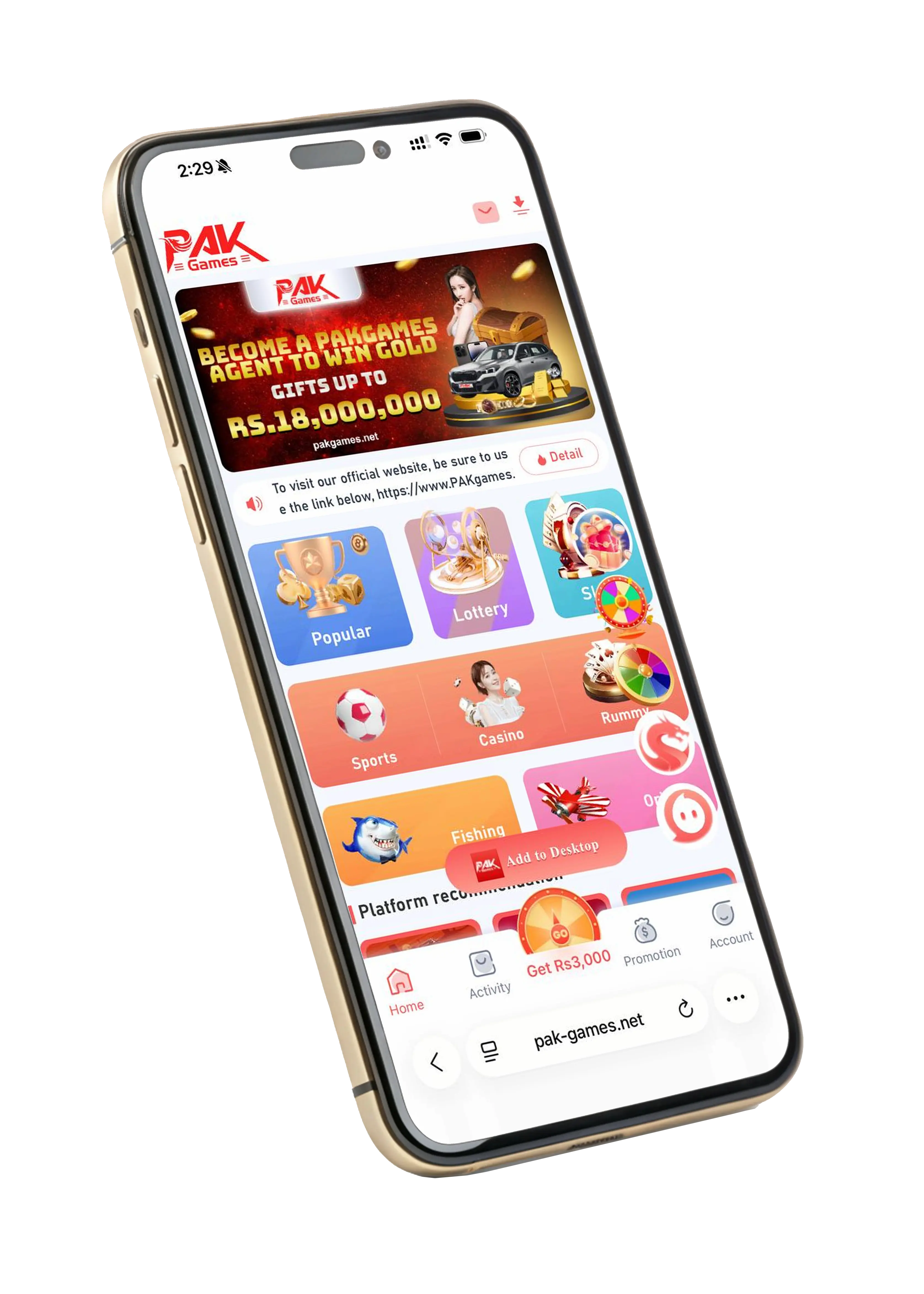
Confirm the app download source
Ask the operator to confirm its current app source and publisher. A Download button on this site opens the owner-supplied external registration link, not an APK file hosted here. Do not assume a file reached through an advertisement is genuine.
Check the app version and supported Android version. If the source cannot explain who published the file, do not install it.
Review the file and permissions
Keep Play Protect and device security scanning enabled. Scan the downloaded file before opening it and stop if your phone warns about malware or a suspicious publisher.
Review requested permissions in relation to the app’s purpose. Requests for accessibility control, device administration or unrelated messages require particular caution; do not grant them simply to bypass a warning.
Keep installation access narrow
If you choose to proceed after confirming the source, Android may require installation permission for the specific browser or file manager you use. Menu names vary by device. Disable that permission again after installation.
- Do not disable security scanning.
- Do not allow an unknown person to control your phone.
- Remove an app if it behaves unexpectedly and review its permissions.
iPhone and browser access
An Android APK cannot be installed on an iPhone. Confirm whether the operator offers browser access or a supported iOS distribution. Do not install unknown profiles or certificates as a workaround.
Independent information. The operator and promotional offers are not certified by this site. Follow local laws and age requirements; gaming carries financial risk.