
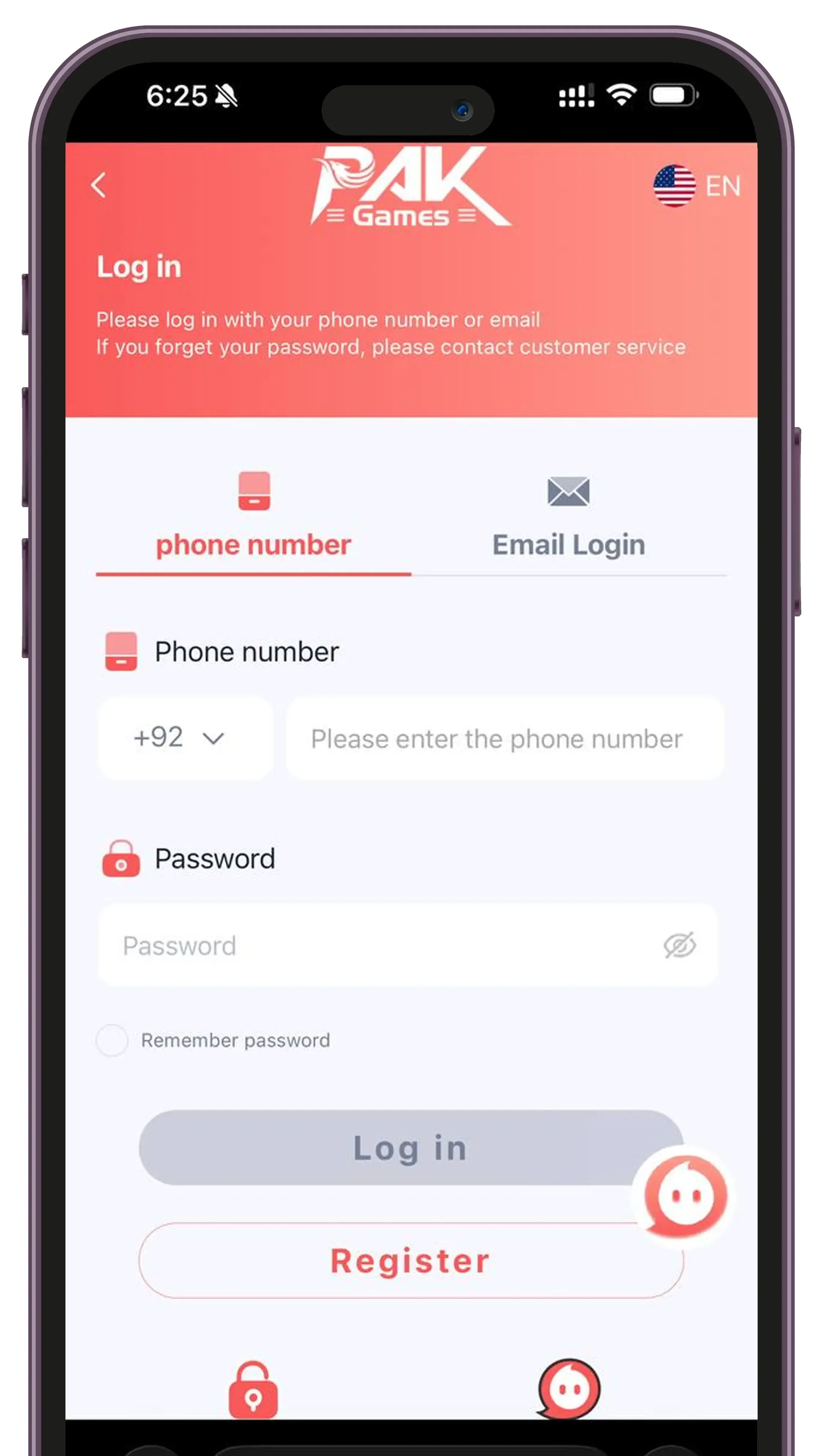
Check the source before logging in
Confirm the current website or app with the operator before entering personal information. Similar names, logos and HTTPS padlocks do not independently establish who runs a service. This website provides information and cannot verify the operator or recover an account.
Use a saved, independently confirmed address rather than a link sent by an unknown account. If your browser or phone displays a security warning, stop rather than bypassing it.
Enter your registered details
Use the phone number associated with your account and follow the number format shown in the form. Enter your own password privately, then select the login option. Avoid repeated guesses, which may trigger account restrictions.
- Check the country code and accidental spaces.
- Keep passwords unique to each account.
- Do not let a stranger log in on your behalf.
When login does not work
Check your connection and whether the operator reports an outage. If you have forgotten your password, use only the reset option on the confirmed service. The operator determines the recovery steps; this site does not have access to them.
If a code does not arrive, check the destination number and any resend timer. Never send a password, recovery code or OTP to someone claiming to be support.
On a shared or lost device
Sign out after using a shared device and do not save the password there. If a device is lost or you suspect unauthorized access, change the password through the confirmed service and ask the operator about ending other active sessions.
Independent information. The operator and promotional offers are not certified by this site. Follow local laws and age requirements; gaming carries financial risk.